Monday 18th Apr 2016
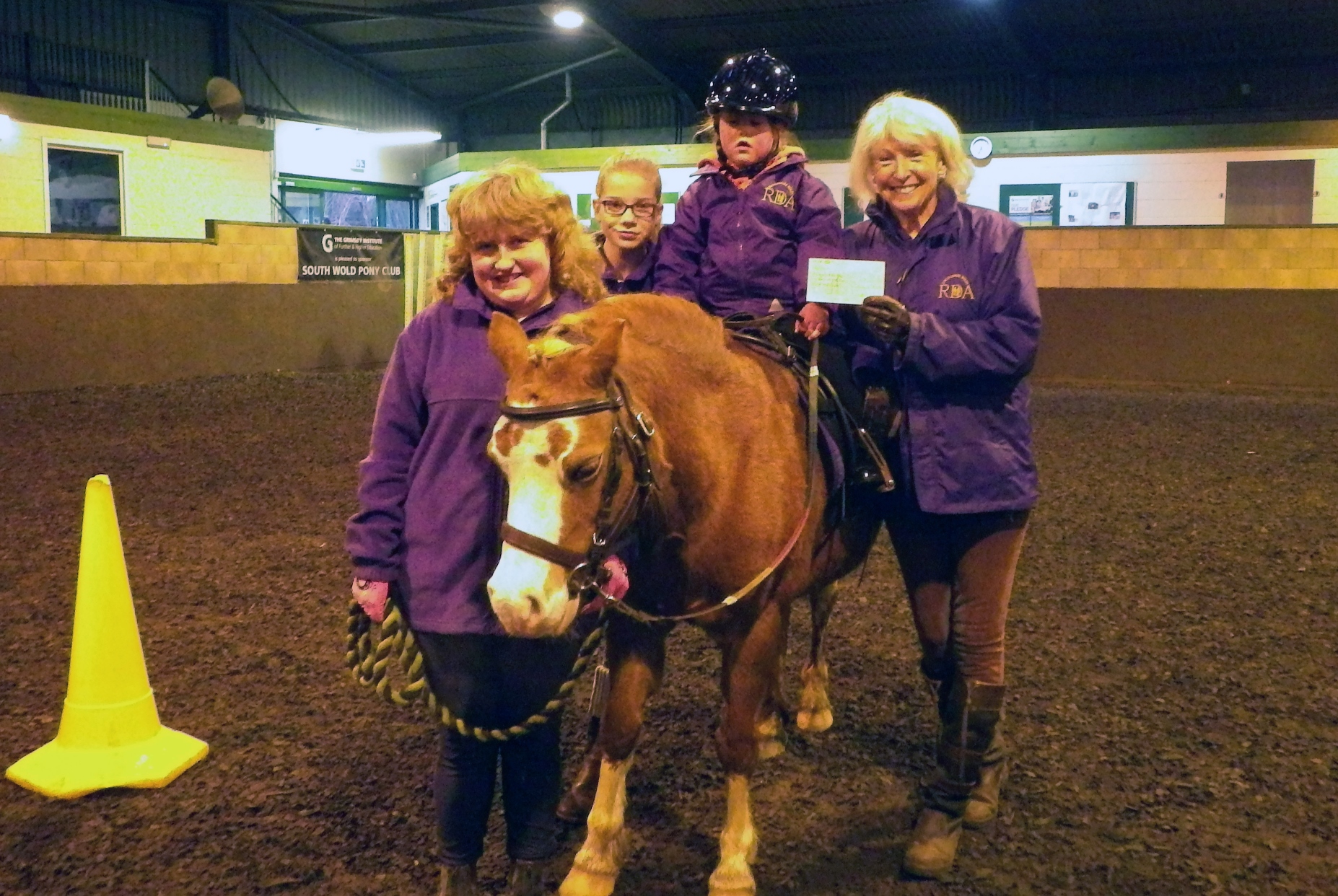
Over the Festive period Badley Ashton held a fund raiser at their annual dinner which along with our electronic season’s greetings card fund has helped our local Riding for the Disabled group achieve it’s long awaited goal of purchasing a Fenix carriage. Our IT Development Manager’s daughter, Evy presented the cheque for £175.00 to Jeanette Jones, the Chair Lady durig her riding lesson on Tuesday evening.
The Lincolnshire Wolds Riding for the Disabled group offers riding and carriage driving for disabled members of our local community. Run and funded by a strong group of volunteers the aim of the group is to provide therapy, achievement and personal development through equestrian activities. With over 30 riders and 10 drivers the need of equipment that will adapt to the requirement of each member is higher than average. To this end, the Lincolnshire Wolds RDA group have been fund raising for over a year to purchase a new carriage.
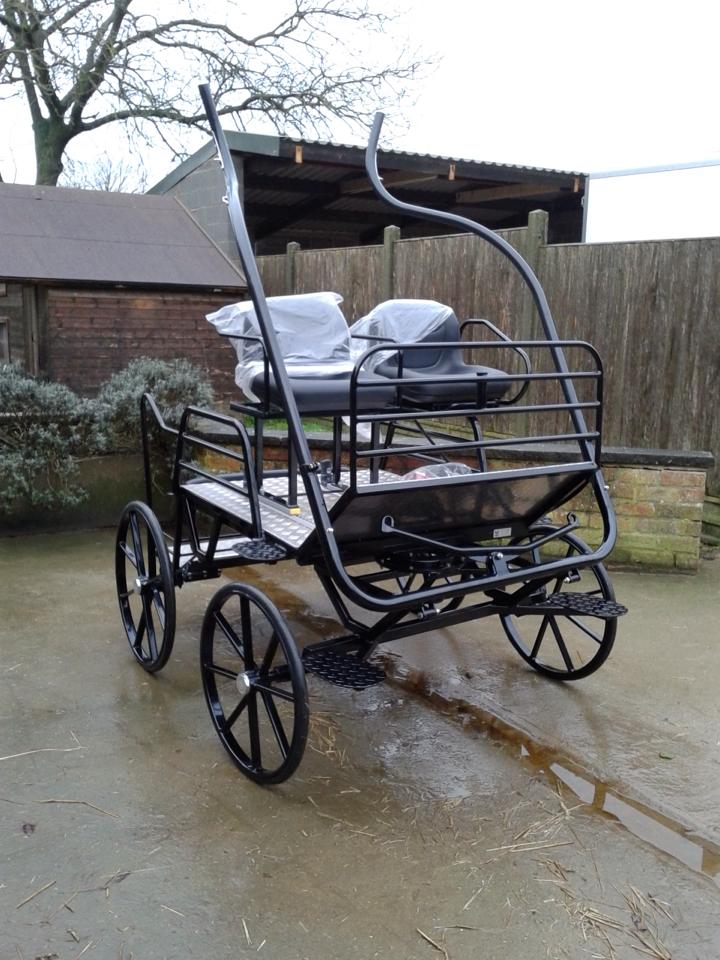
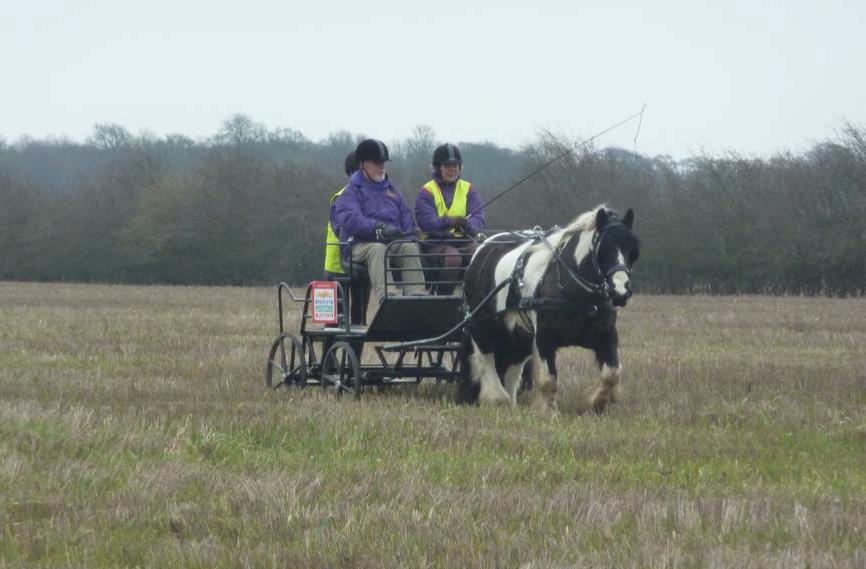
This month they have taken delivery of the new Fenix carriage. This carriage is lighter, but with increased stability meaning they can make full use of surrounding tracks and countryside. It also has a larger access step and sliding seat so it can be adapted for different drivers and means they can offer this activity to a wider group of people with disabilities. This carriage has made an enormous difference to the group and will open up freedom for many more local people who are unable to access the countryside without assistance.
Evy handing over the cheque to the Wolds RDA.
The Fenix carriage.
The group’s driving pony Danny testing the Fenix out with one of the group’s drivers.
If you would like to find out more about the Riding for the Disabled Association in your area, please take a look at the RDA website.